
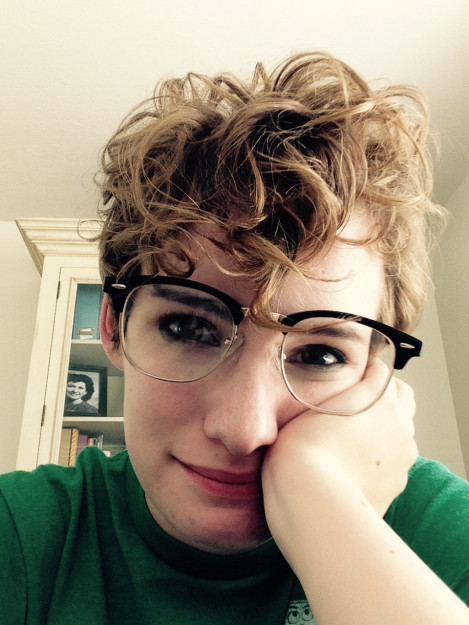
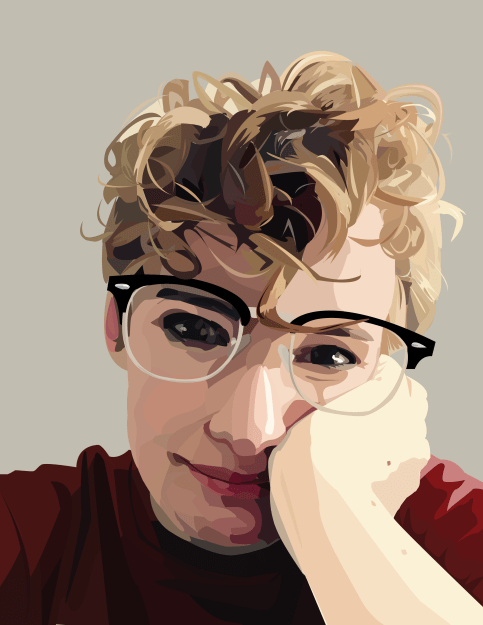
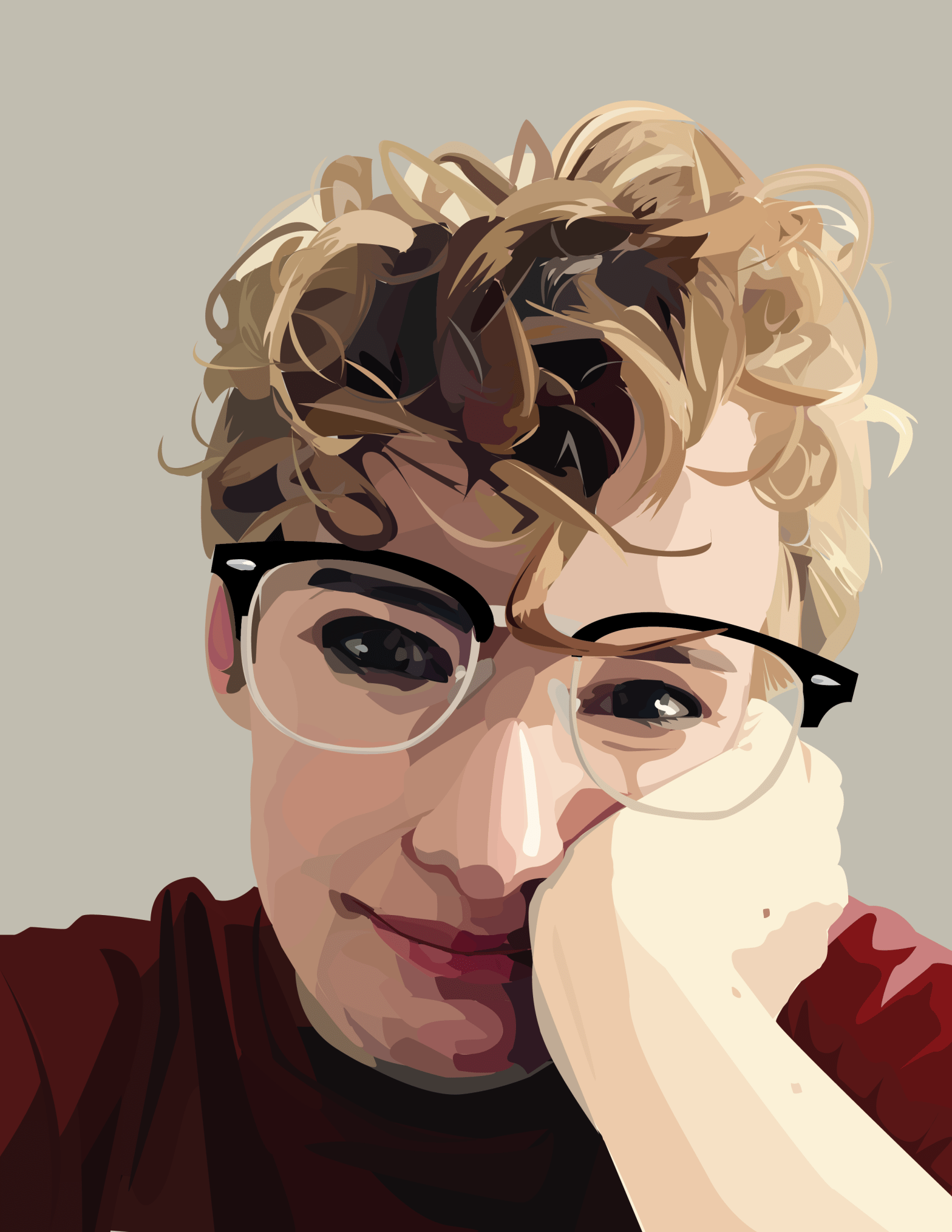
Using Adobe’s Illustrator, I created the image on the right using the image on the left as a reference. The original image was on a layer below all the other pieces, which allowed me to draw directly on top of it using the pen tool, and only the pen tool. The image is made up of a bunch of tiny little shapes. The most difficult portion by far was my hair. I spent a lot of time creating the tiny, jagged highlights and shadows, then filled in all the little holes with base values. The rest of the image came together through a lot of layering and fiddling with colors and shapes. As you can see, I changed the color of my shirt to maroon, which is my favorite color. I did this by drawing in my shirt in its original green color, creating all the shadows and the like. I then went into the color menu for each shape and changed the base color without changing the value, which allowed me to keep all the shadows looking right while still changing the color completely.
Self Portrait
 Jay's Art and Design